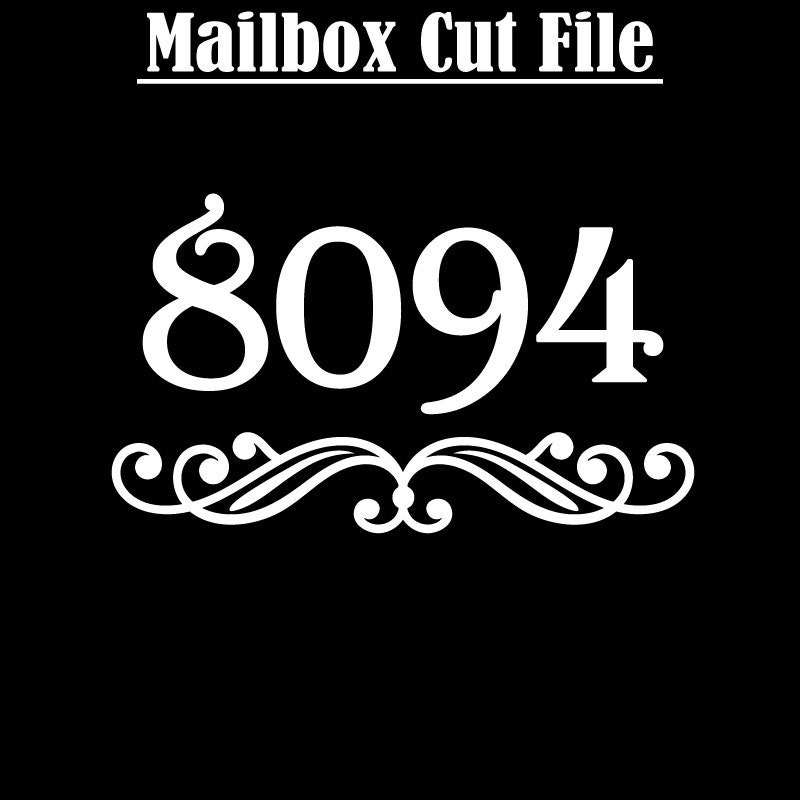
Mailbox Numbers - House Numbers - Flourish and Number Cut Files
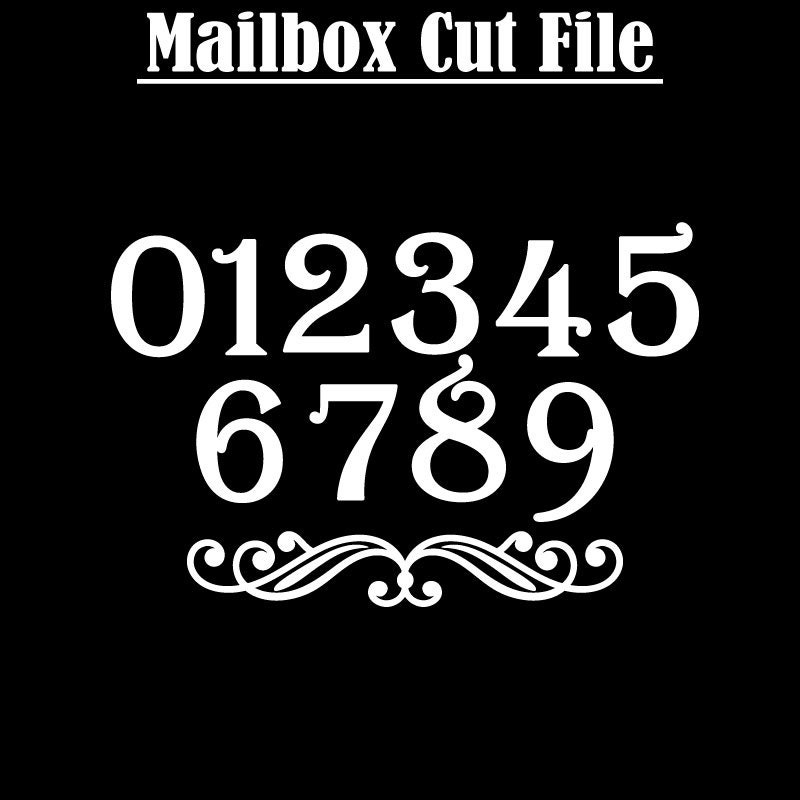
Mailbox House Numbers with flourish digital cut files. Stylish numbers design includes street numbers and flourish, perfect for use with your digital cutting machines. Create your own vinyl transfers for your mailbox, window, entrance, or street sign.
Your Instant Download Purchase includes:
There are 1 zip files in the instant download which contains the numbers 0-9 plus the flourish in SVG, EPS, PNG, and DXF
______________________________________________________________
This artwork is 100% vector art, you can scale this to ANY size with the EPS, SVG, or DXF formats without loss of quality.
*SVGArts images are for PERSONAL USE ONLY and limited commercial use ( up to 100 on personal craft items to sell at your own craft sale or similar purpose).
Please do not share or resell the files.
INSTANT DOWNLOAD CLIP ART - NO FILE OR PRODUCT SHIPS
Due to the nature of the use of the artwork NO REFUNDS will be made.
Digital downloads
Your files will be available to download once payment is confirmed.
Returns & Exchanges
Returns & exchanges not accepted
But please contact me if you have problems with your order
The following items can't be returned or exchanged
Because of the nature of these items, unless they arrive damaged or defective, I can't accept returns for:
- Custom or personalized orders
- Perishable products (like food or flowers)
- Digital downloads
- Intimate items (for health/hygiene reasons)
Frequently Asked Questions
How to import SVG in to Cricut Design space?
I have several customers inquire about the importing SVG files into their Cricut Design space. Here is some basic info to get you started.
Importing SVG Files in Cricut Design Space
1. Log in to Design Space.
2. Click the Create New Project button.
3. Click the Upload Image button.
4. Click the Vector Upload button.
5. Click the Browse button and locate your svg file that you want to import.
The image should now be viewable in your Design space.
Cricut provides lots of helpful details here: https://help.cricut.com/hc/en-us/articles/360009556313-Uploading-Images-into-Design-Space
Here is a great video link I have found very helpful:
https://m.youtube.com/watch?v=RgewC02OBQc
Reviews (17)
Average:
Feb 5, 2024
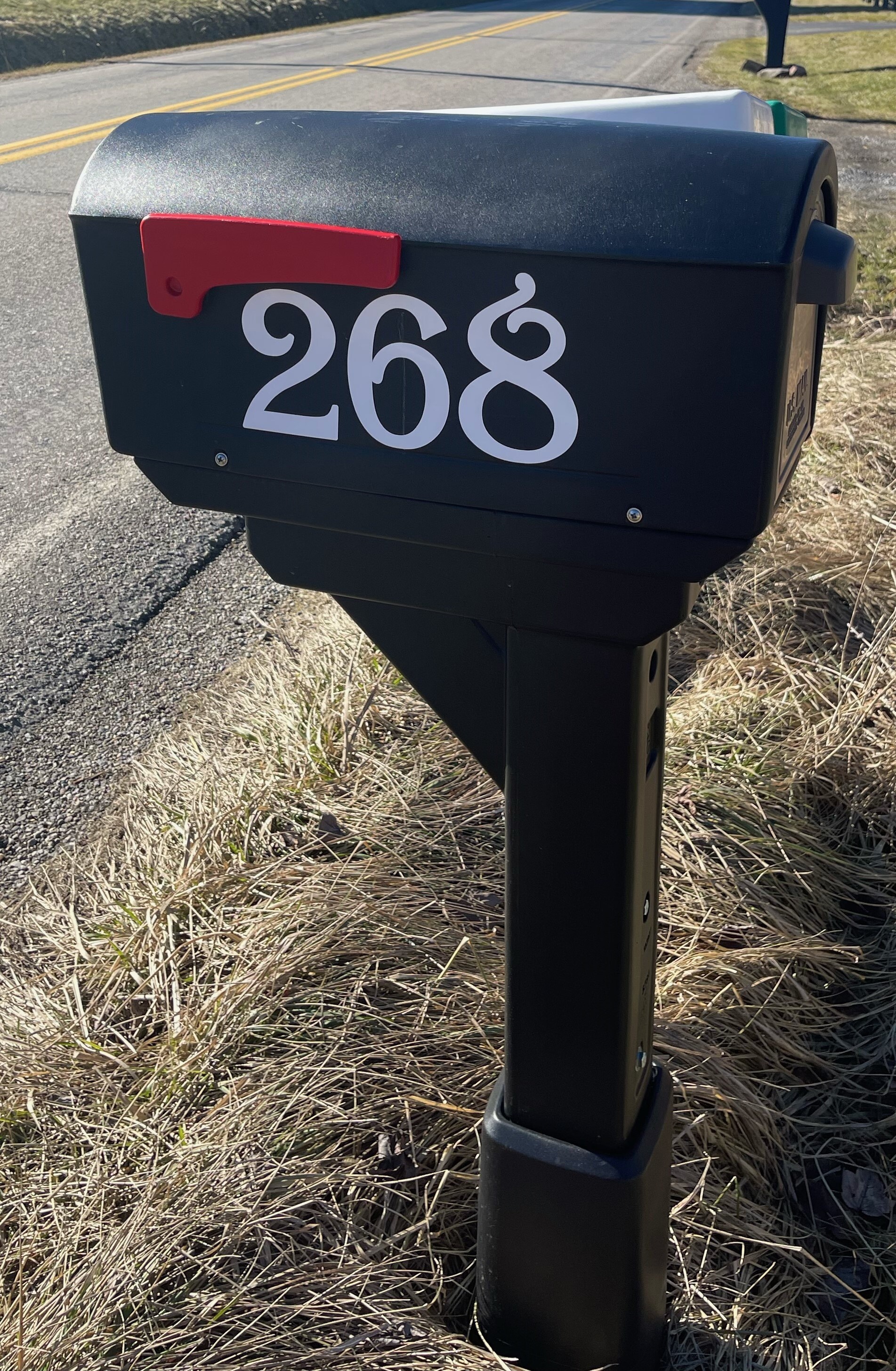
File scaled perfectly and cut clean on my Maker. My mailbox numbers can be seen from space now, thanks!

Heather Bair
Jan 13, 2024
Thank you. As described. Great Seller

Joann Sanchez
Nov 4, 2023
Haven’t used it yet. It is for a Christmas gift.
Rita Coward
Aug 21, 2023

Jodi Wright
Aug 11, 2022
Great images for designing! Thank you!

Lisa