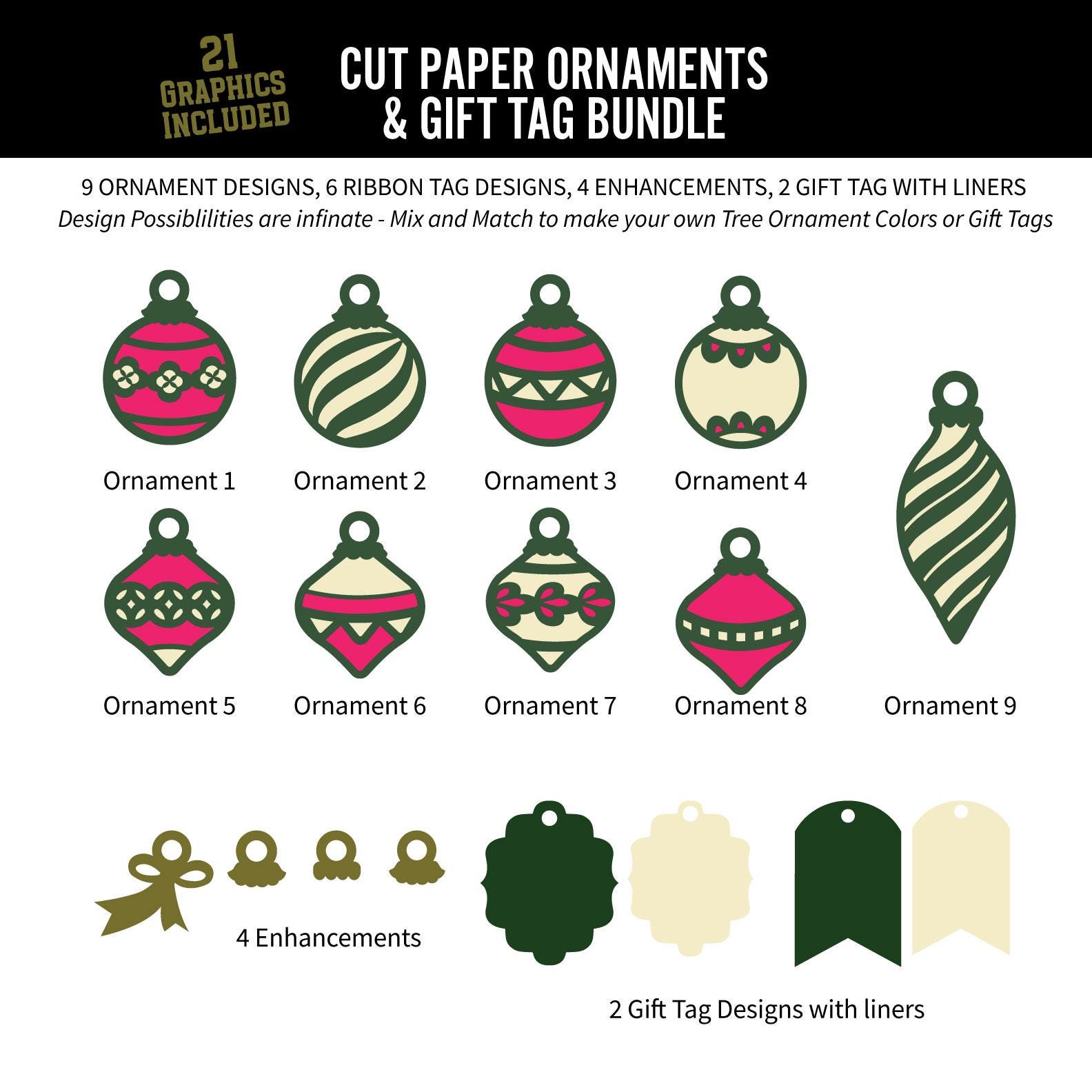
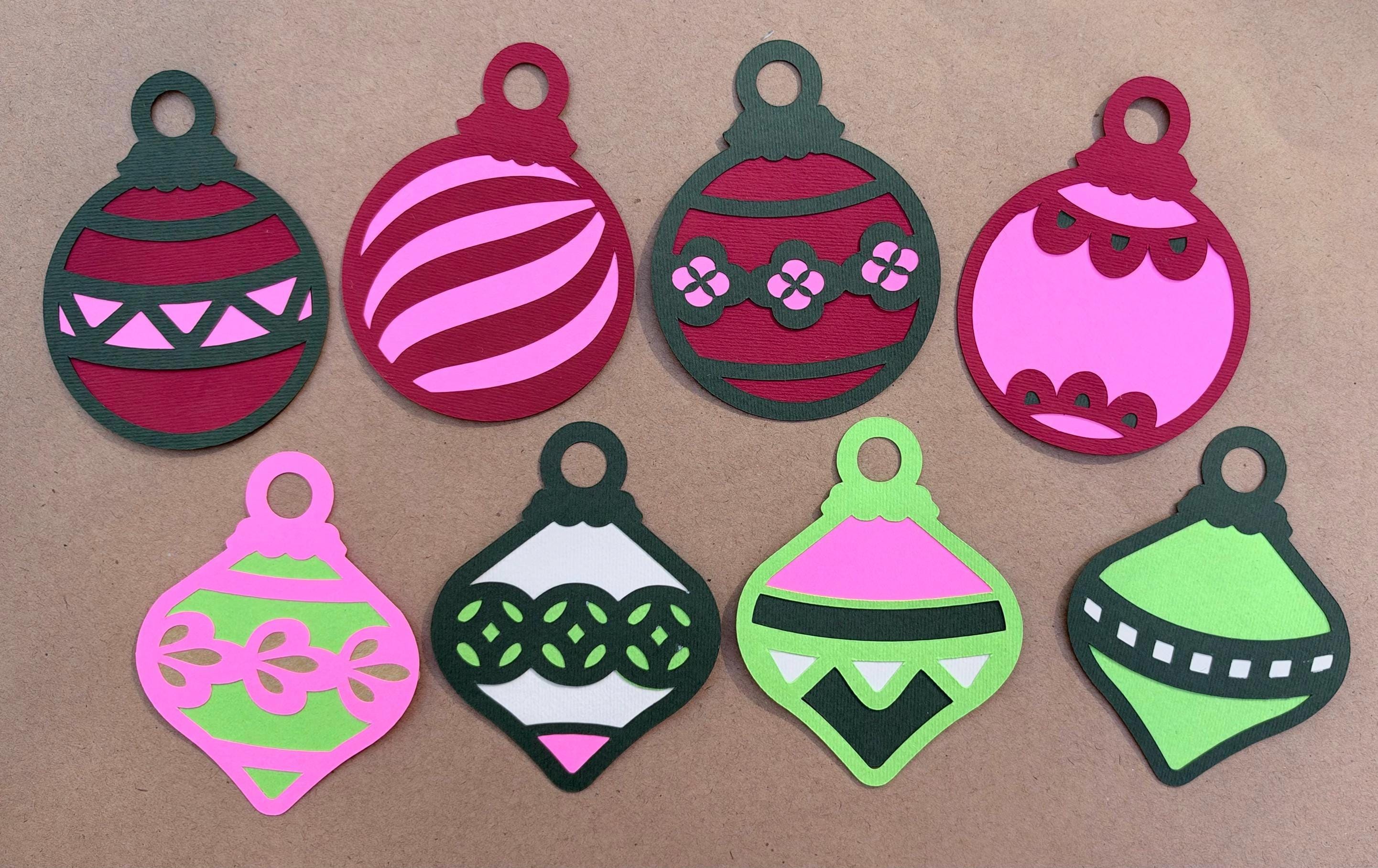
Cut Paper Ornaments and Gift Tag Bundle (digital cut files)
$12.95
These 21 cut paper ornament designs are perfect for creating your own tree ornaments, or gift tags to celebrate the holidays.
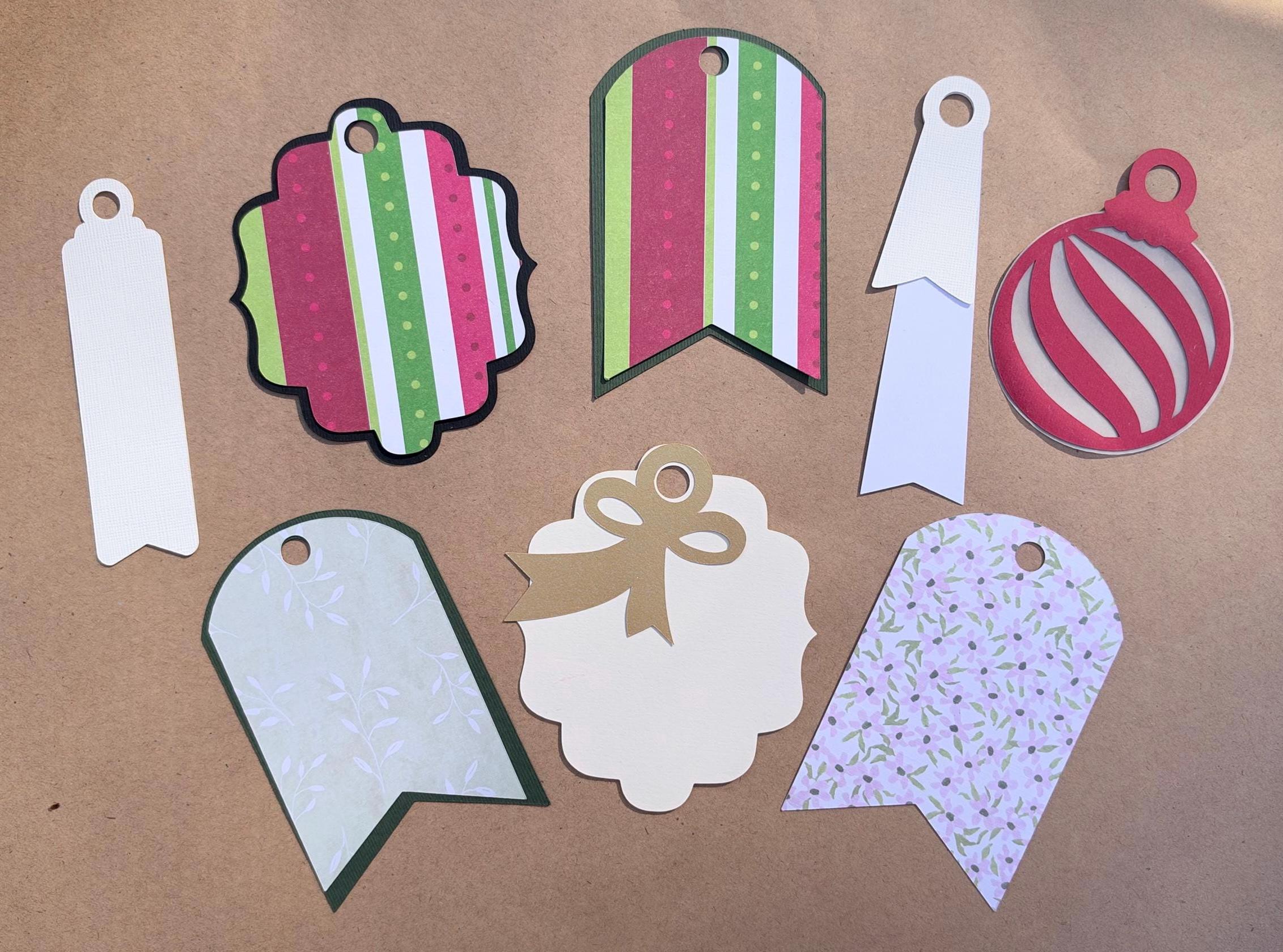
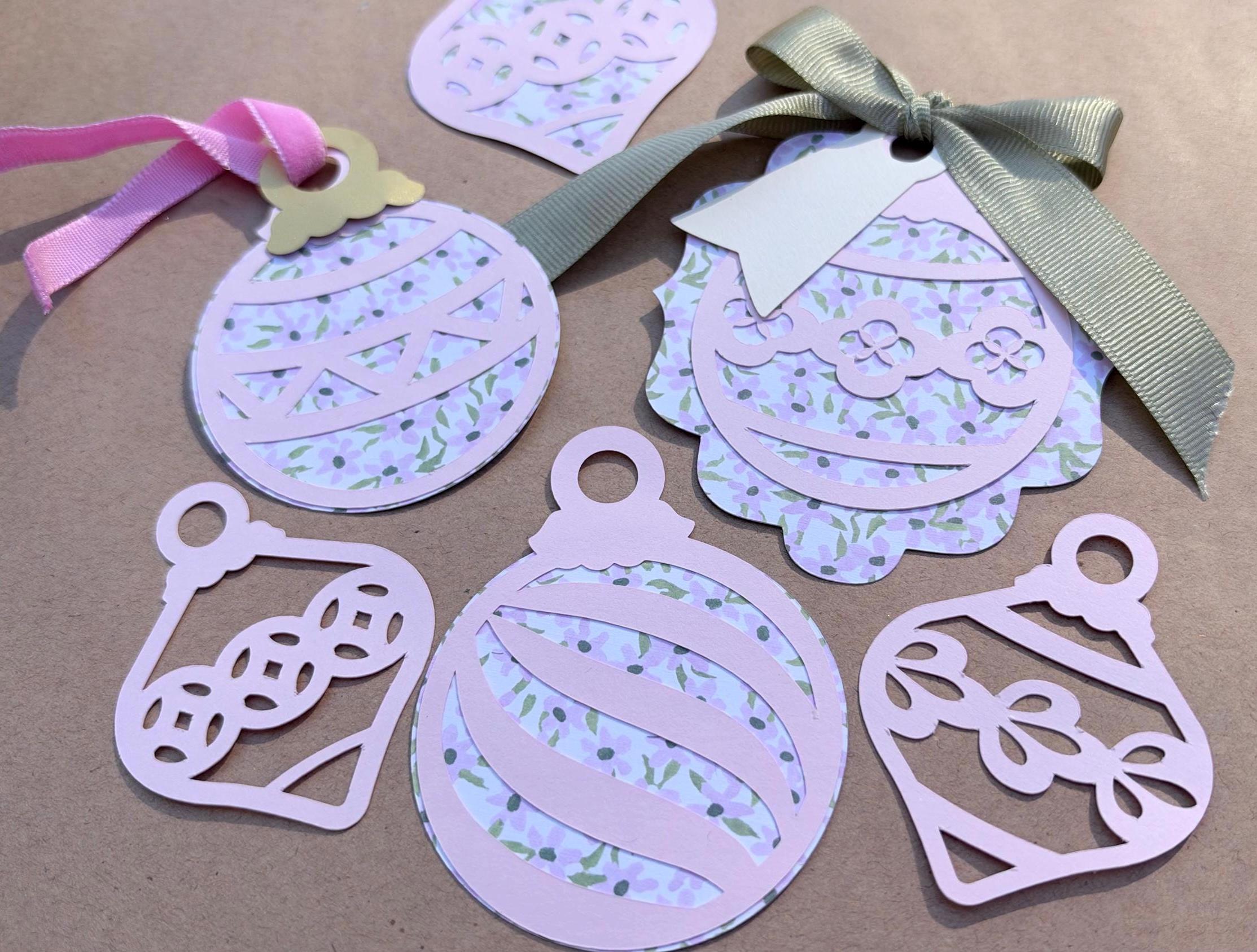
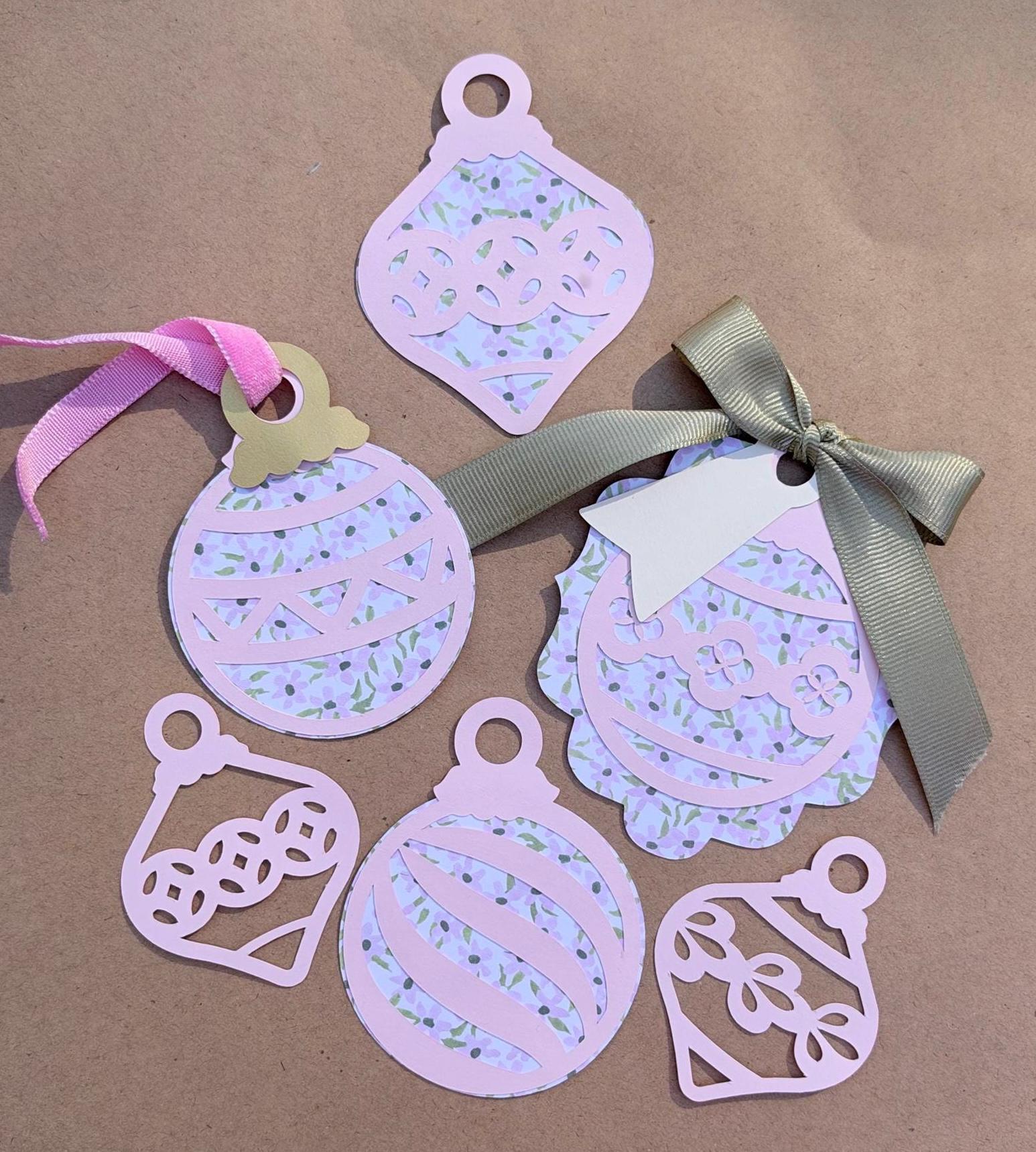
The designs cut cleanly and are designed for simplicity. Use the ornaments as a simple filigree or lightly glue the easy to cut backgrounds to add color. Layer the ornaments with the included gift tag cut files to create unique and adorable gift tags.
All graphics can be scaled to any size, create large tree ornaments, or gift tags to tiny ones!
The possibilities are endless, cut as many as you need for personal use!
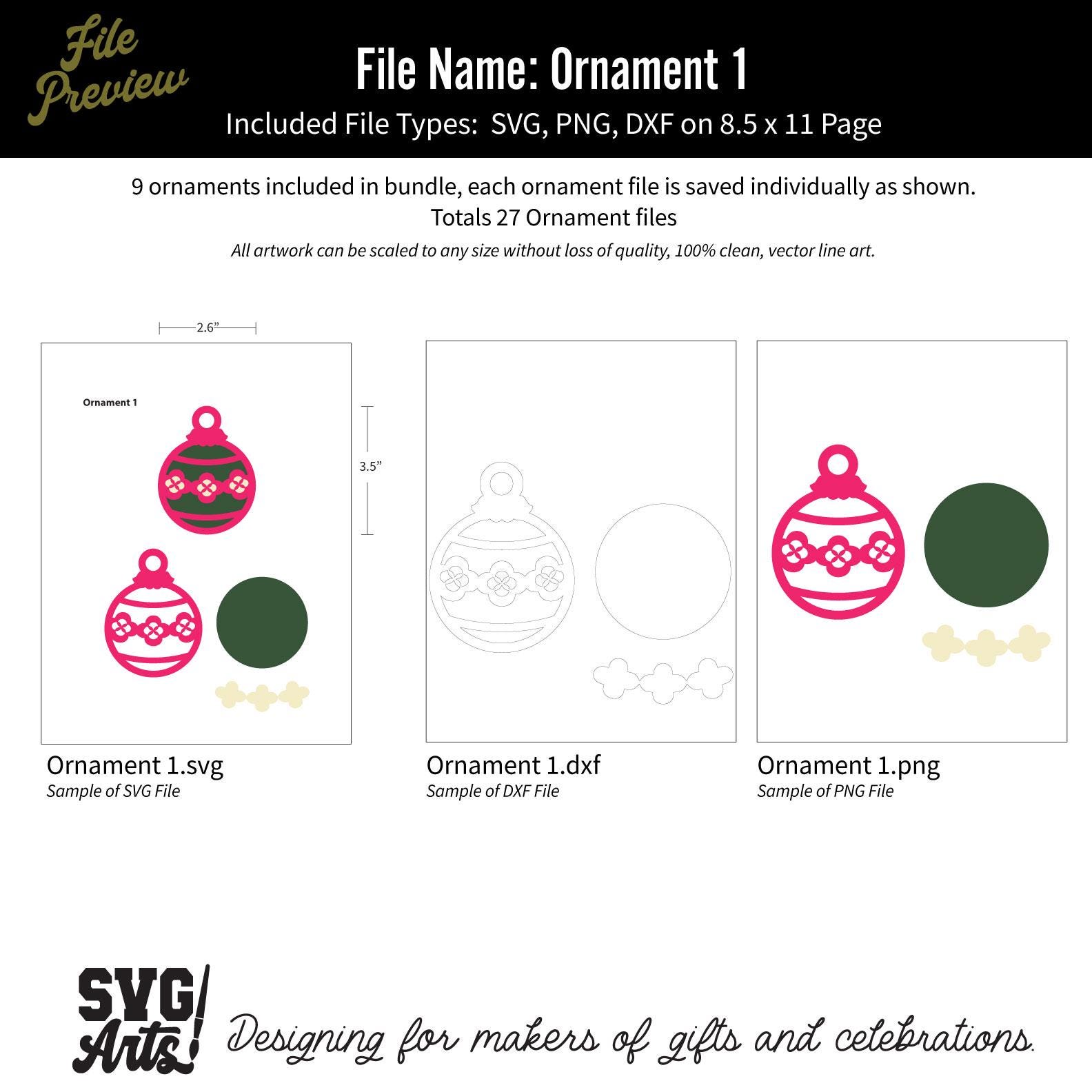
FILES INCLUDED - All Saved in SVG, PNG, DXF Formats
9 Ornament Designs
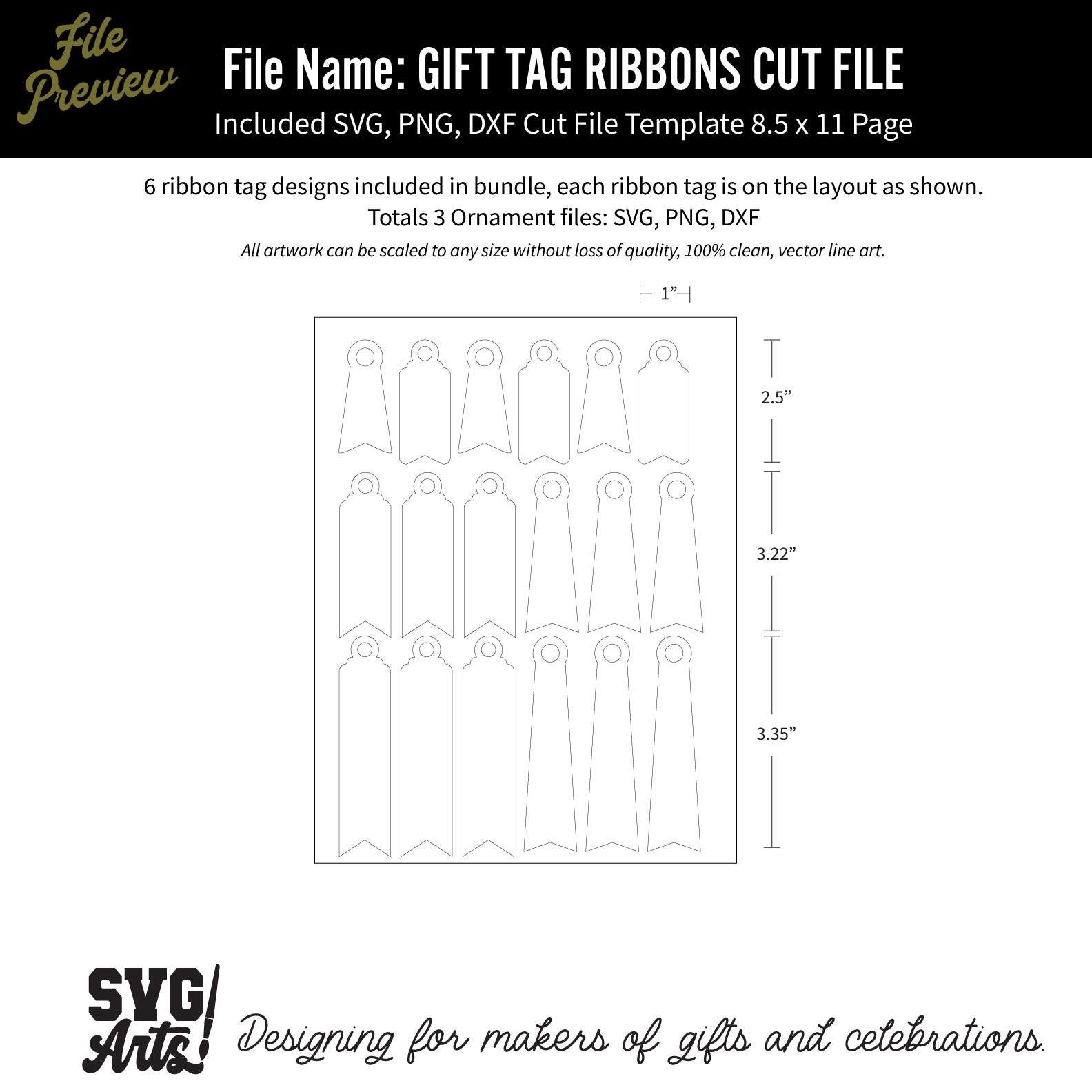
6 Narrow Gift Tag Ribbon Designs
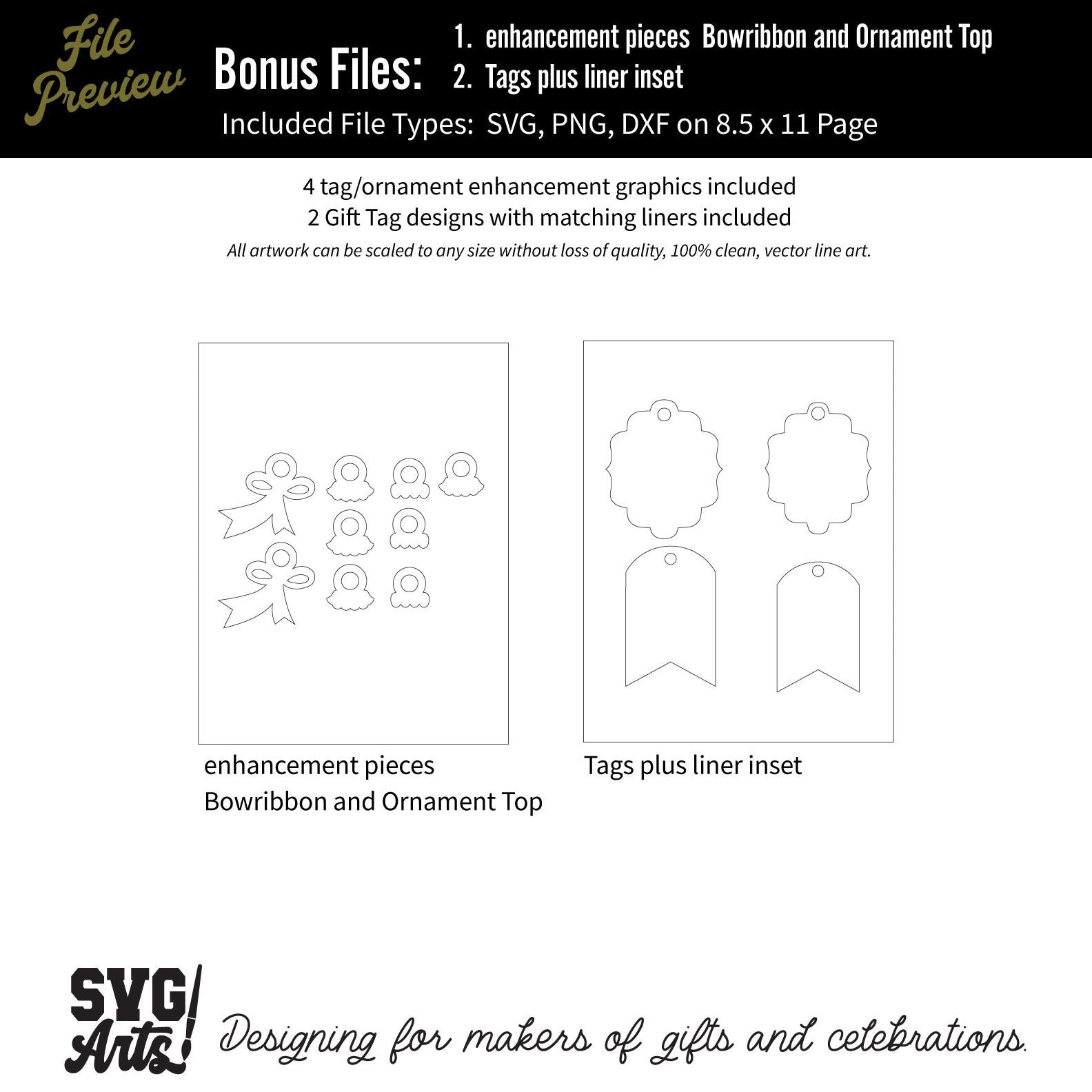
4 Gift Tag Enhancement Designs
2 Gift Tag Designs with Liners
DIGITAL FILES ONLY - NO PHYSICAL PRODUCT SHIPS
TO DOWNLOAD YOUR FILES
Your files will be available after purchase. Click on Your Account/Purchases and Reviews to see your purchased items. Then click view downloads next to your purchase.
Thank you for visiting SVG Arts!
Happy Holidays!!
Digital downloads
Your files will be available to download once payment is confirmed.
Returns & Exchanges
Returns & exchanges not accepted
But please contact me if you have problems with your order
The following items can't be returned or exchanged
Because of the nature of these items, unless they arrive damaged or defective, I can't accept returns for:
- Custom or personalized orders
- Perishable products (like food or flowers)
- Digital downloads
- Intimate items (for health/hygiene reasons)
Frequently Asked Questions
How to import SVG in to Cricut Design space?
I have several customers inquire about the importing SVG files into their Cricut Design space. Here is some basic info to get you started.
Importing SVG Files in Cricut Design Space
1. Log in to Design Space.
2. Click the Create New Project button.
3. Click the Upload Image button.
4. Click the Vector Upload button.
5. Click the Browse button and locate your svg file that you want to import.
The image should now be viewable in your Design space.
Cricut provides lots of helpful details here: https://help.cricut.com/hc/en-us/articles/360009556313-Uploading-Images-into-Design-Space
Here is a great video link I have found very helpful:
https://m.youtube.com/watch?v=RgewC02OBQc