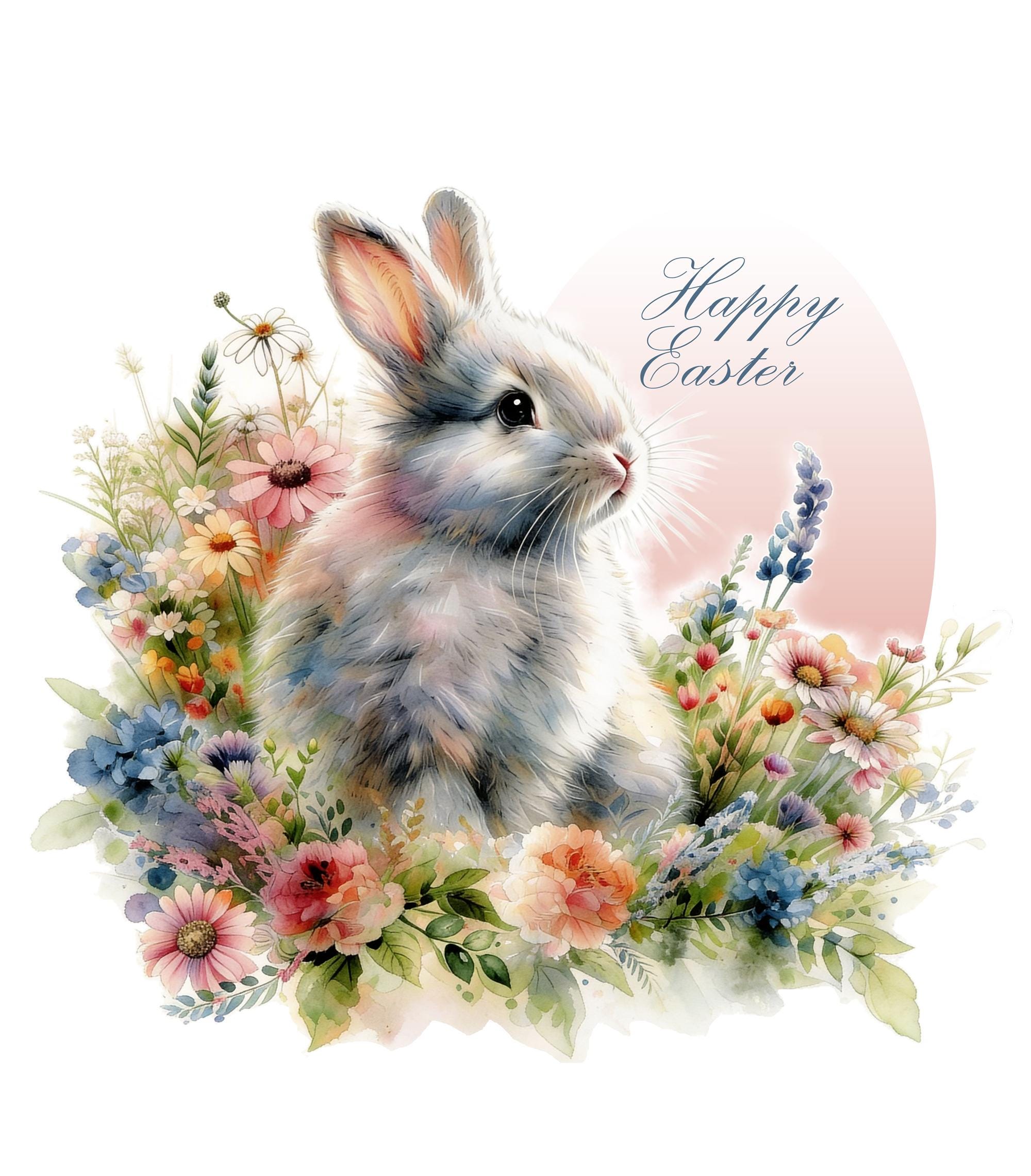
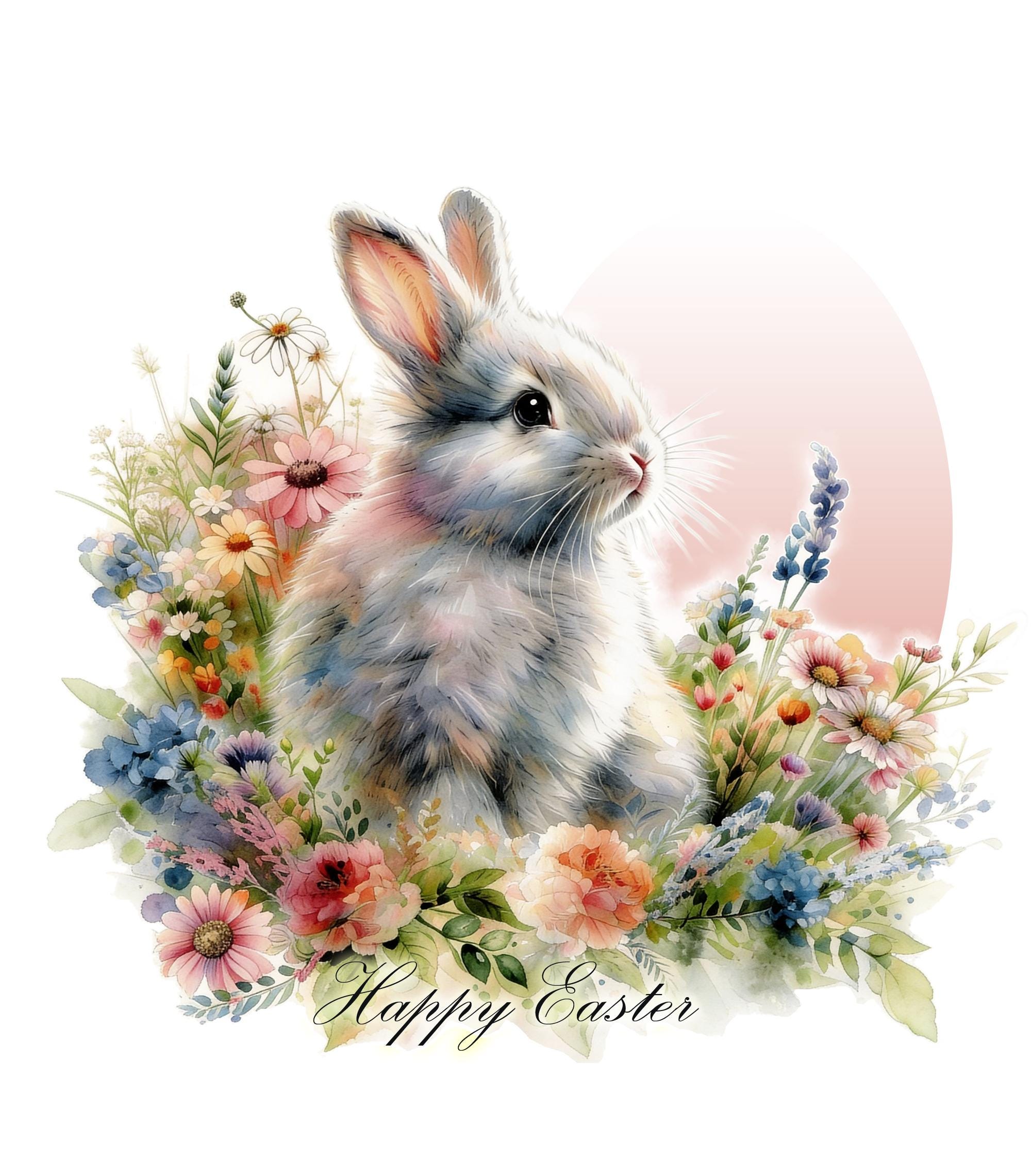
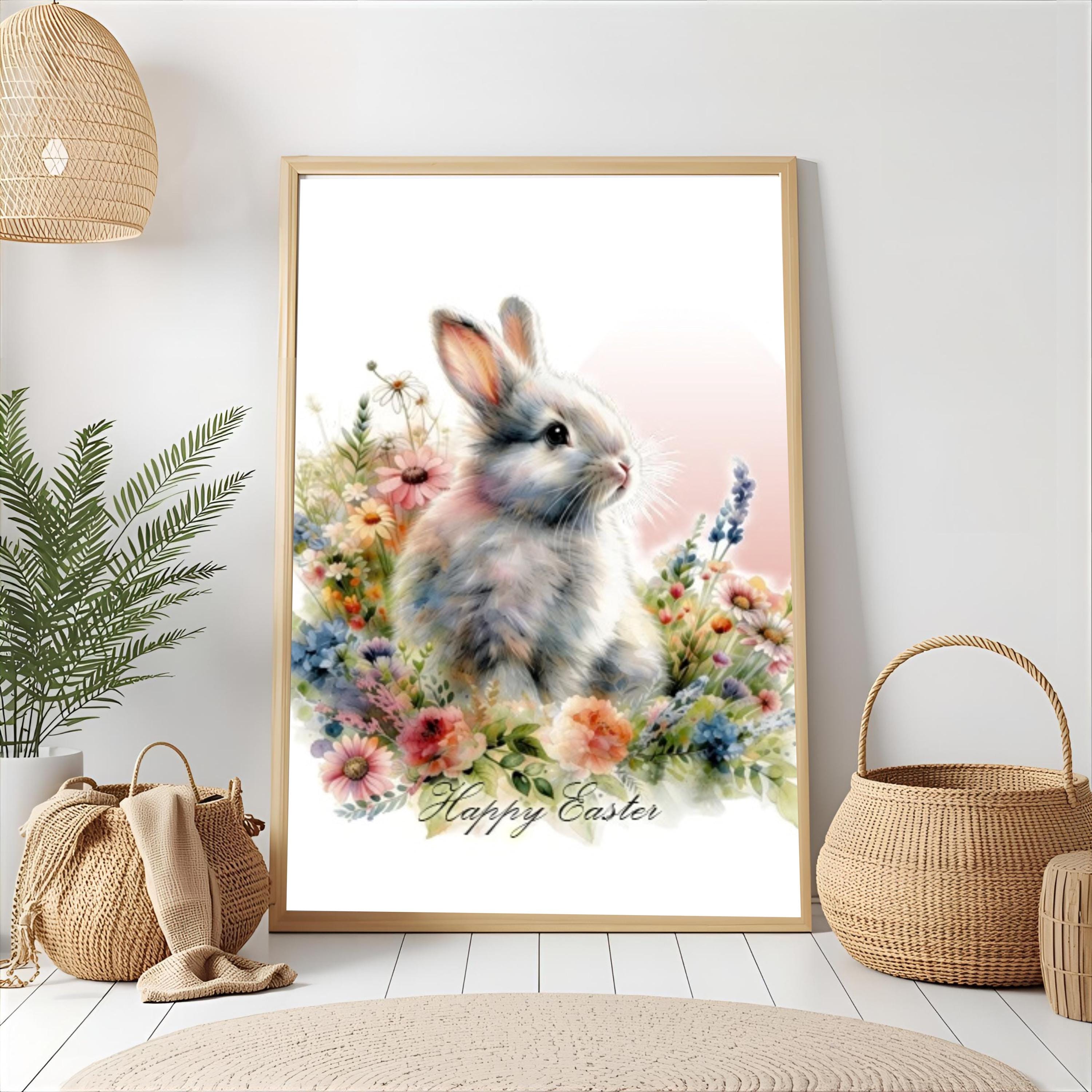
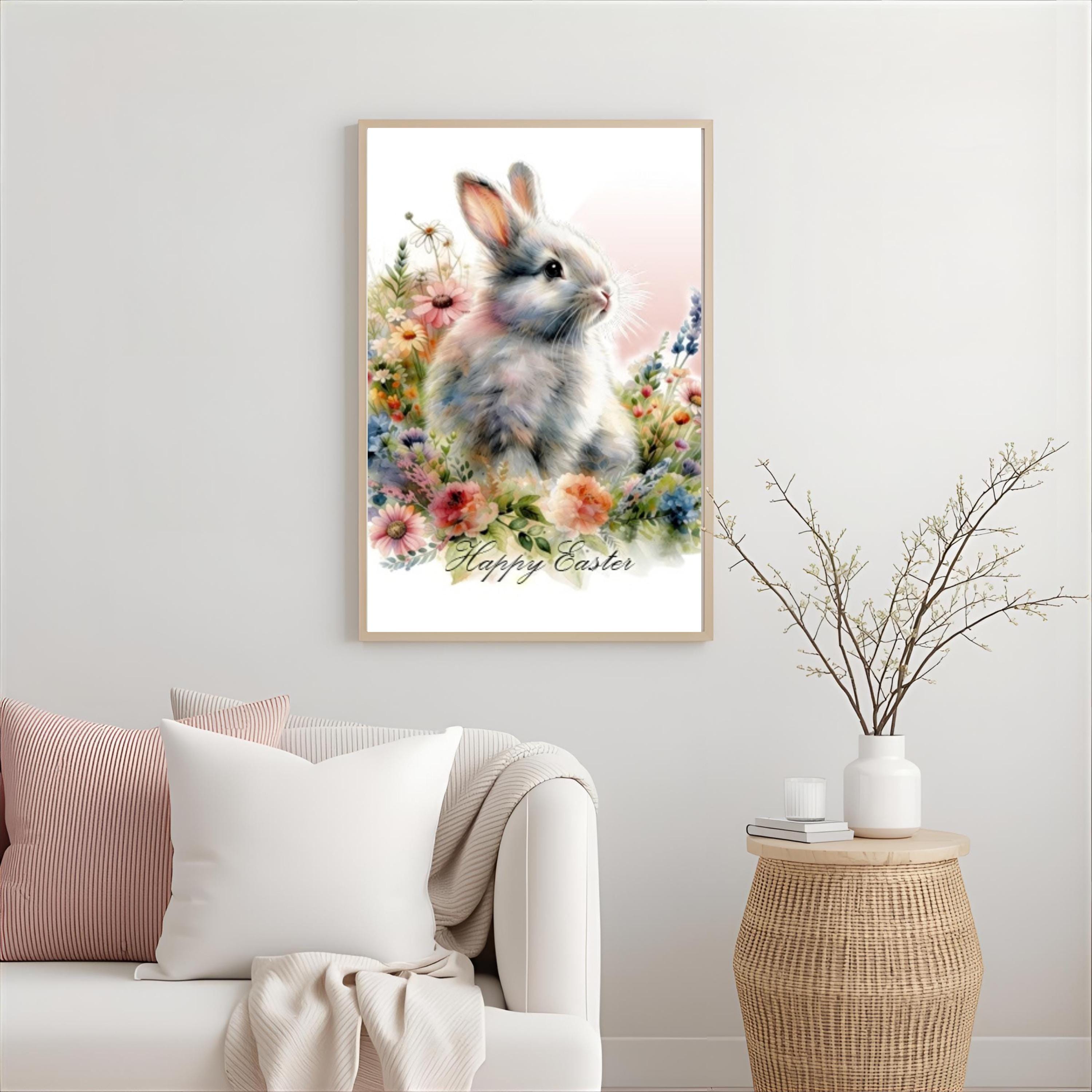
Happy Easter Bunny PNG | Watercolor Flowers Spring Bunny Designs
$6.99
Happy Easter Bunny PNG | Watercolor Flowers Spring Bunny Designs
✅ Instant Digital Download – Includes 1 PNG Files
You’ll Receive:
• 1 High-Resolution 15inx17in PNG Poster Size File With Happy Easter on Egg
• 1 High-Resolution 15inx17in PNG Poster Size File With Happy Easter at bottom Under Bunny
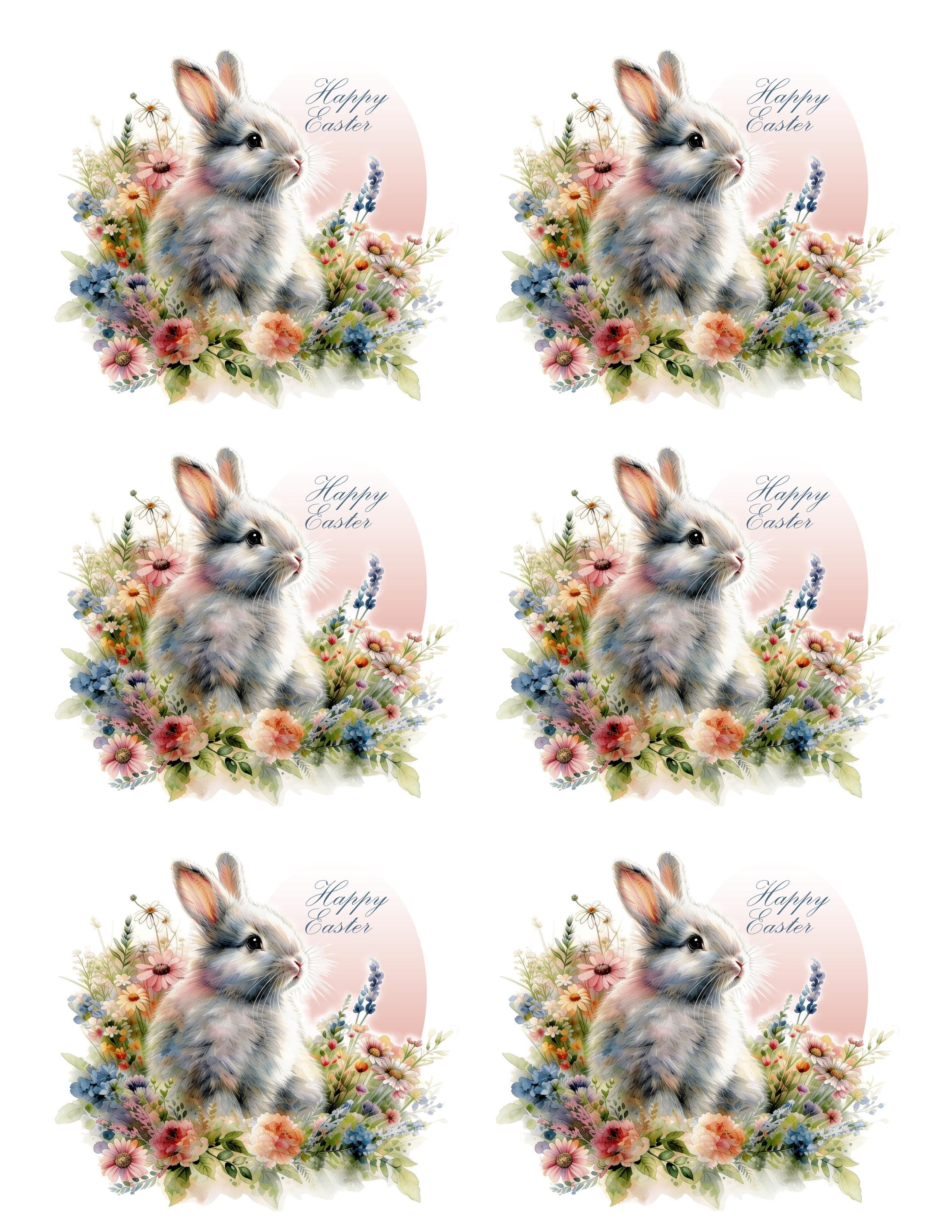
• 1 High-Resolution 6 on a 8.5inx11in PNG File With Happy Easter on Egg set up to print to make stickers
• 1 High-Resolution 8.5inx11in PNG File With Happy Easter on Egg for general product use, like small signs, napkins, etc.
• Transparent background – ready for printing
• No extra software needed – download instantly and start creating
• This is a digital item – no physical product will be shipped 🌟
📂 How To Use Your Files
Once your purchase is complete, you can download your files directly from your Etsy account.
The PNG format is compatible with all major design and printing software.
Each file comes with a transparent background, making it easy to apply to any product without additional editing.
📌 Licensing & Usage Information
This item includes a commercial use license for physical end products.
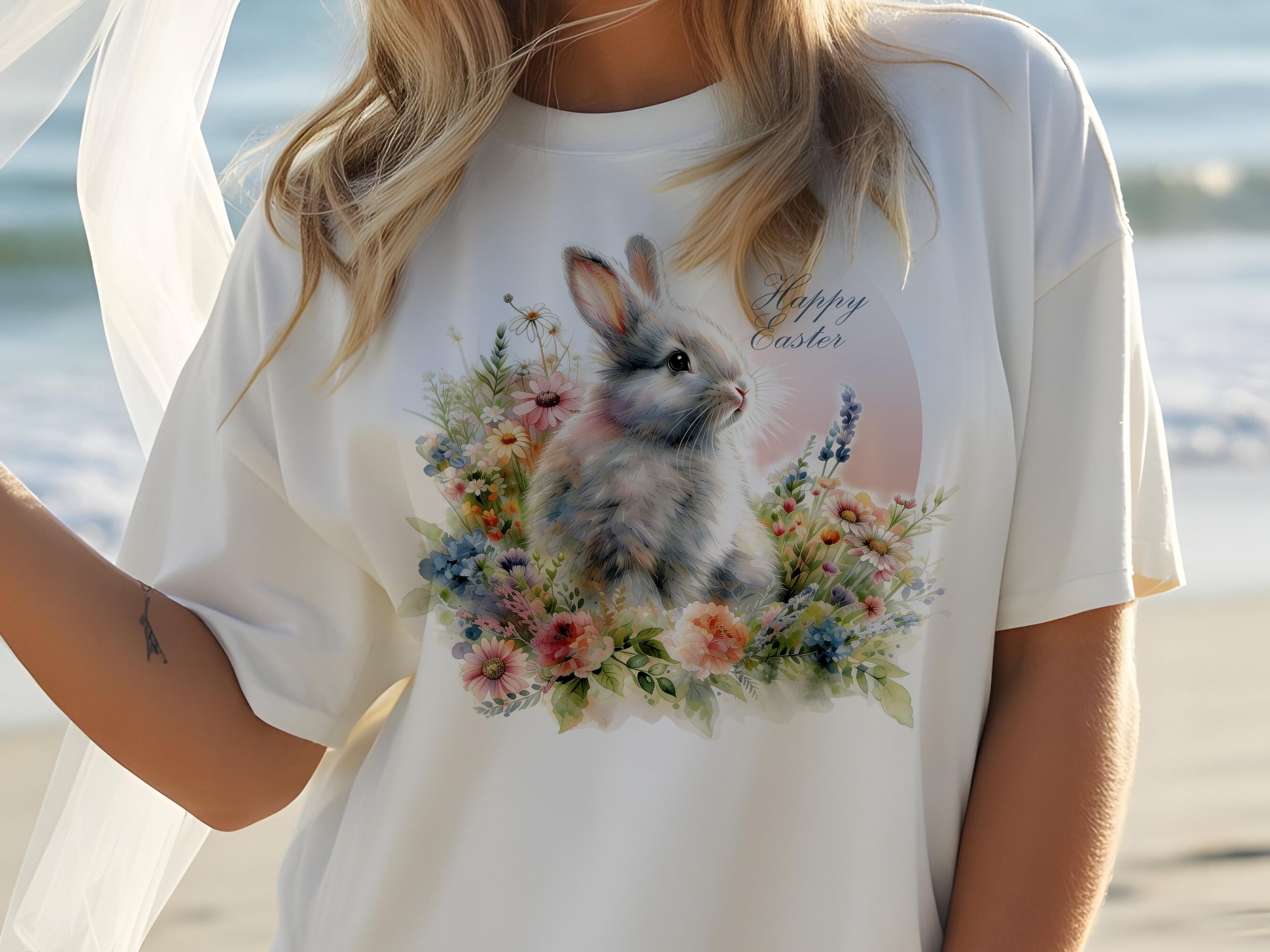
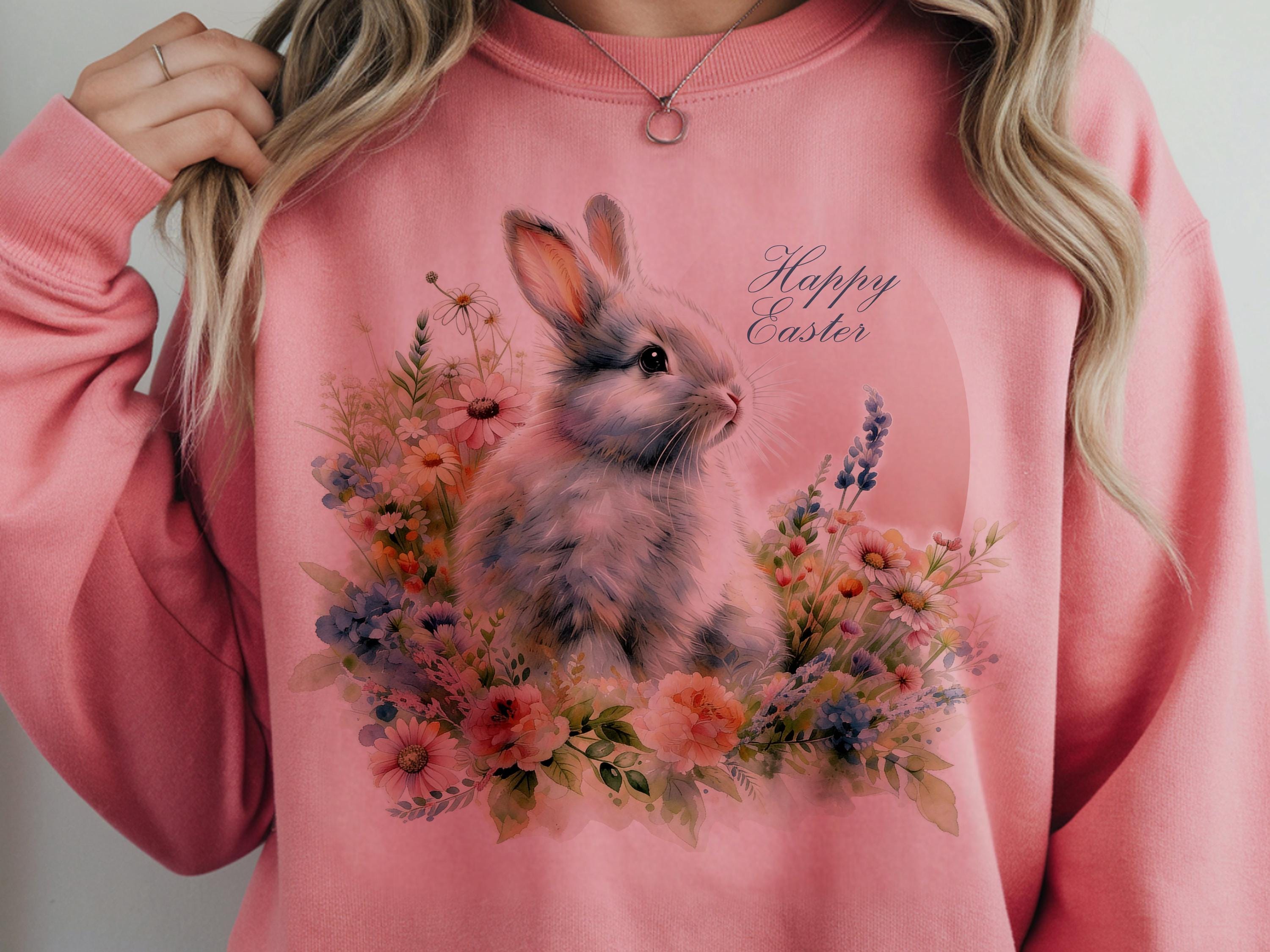
You may use it on t-shirts, mugs, totes, notebooks, pillows, posters—anything you can touch and ship!
However, please keep in mind:
✖️ Reselling, sharing, or redistributing this digital file is strictly prohibited.
✔️ You're free to use it for handmade physical products you sell.
SVGArts is not responsible for any trademark issues that may arise.
It's the buyer's responsibility to ensure the design is not already trademarked for your intended product type or category.
This design has been enhanced using advanced AI technology to ensure high quality and creativity. Each piece is crafted with care and passion. 🎨
Digital downloads
Your files will be available to download once payment is confirmed.
Returns & Exchanges
I gladly accept returns and exchanges
Just contact me within: 14 days of delivery
Ship items back to me within: 30 days of delivery
I don't accept cancellations
But please contact me if you have any problems with your order.
The following items can't be returned or exchanged
Because of the nature of these items, unless they arrive damaged or defective, I can't accept returns for:
- Custom or personalized orders
- Perishable products (like food or flowers)
- Digital downloads
- Intimate items (for health/hygiene reasons)
Frequently Asked Questions
How to import SVG in to Cricut Design space?
I have several customers inquire about the importing SVG files into their Cricut Design space. Here is some basic info to get you started.
Importing SVG Files in Cricut Design Space
1. Log in to Design Space.
2. Click the Create New Project button.
3. Click the Upload Image button.
4. Click the Vector Upload button.
5. Click the Browse button and locate your svg file that you want to import.
The image should now be viewable in your Design space.
Cricut provides lots of helpful details here: https://help.cricut.com/hc/en-us/articles/360009556313-Uploading-Images-into-Design-Space
Here is a great video link I have found very helpful:
https://m.youtube.com/watch?v=RgewC02OBQc