
Custom Mascot School Spirit Shirt Design, Personalized Team Name PNG (Digital Download
$12.99
Custom Mascot Name & School Name PNG, Personalized School Mascot Shirt Design, Team Mascot School Spirit Digital Download
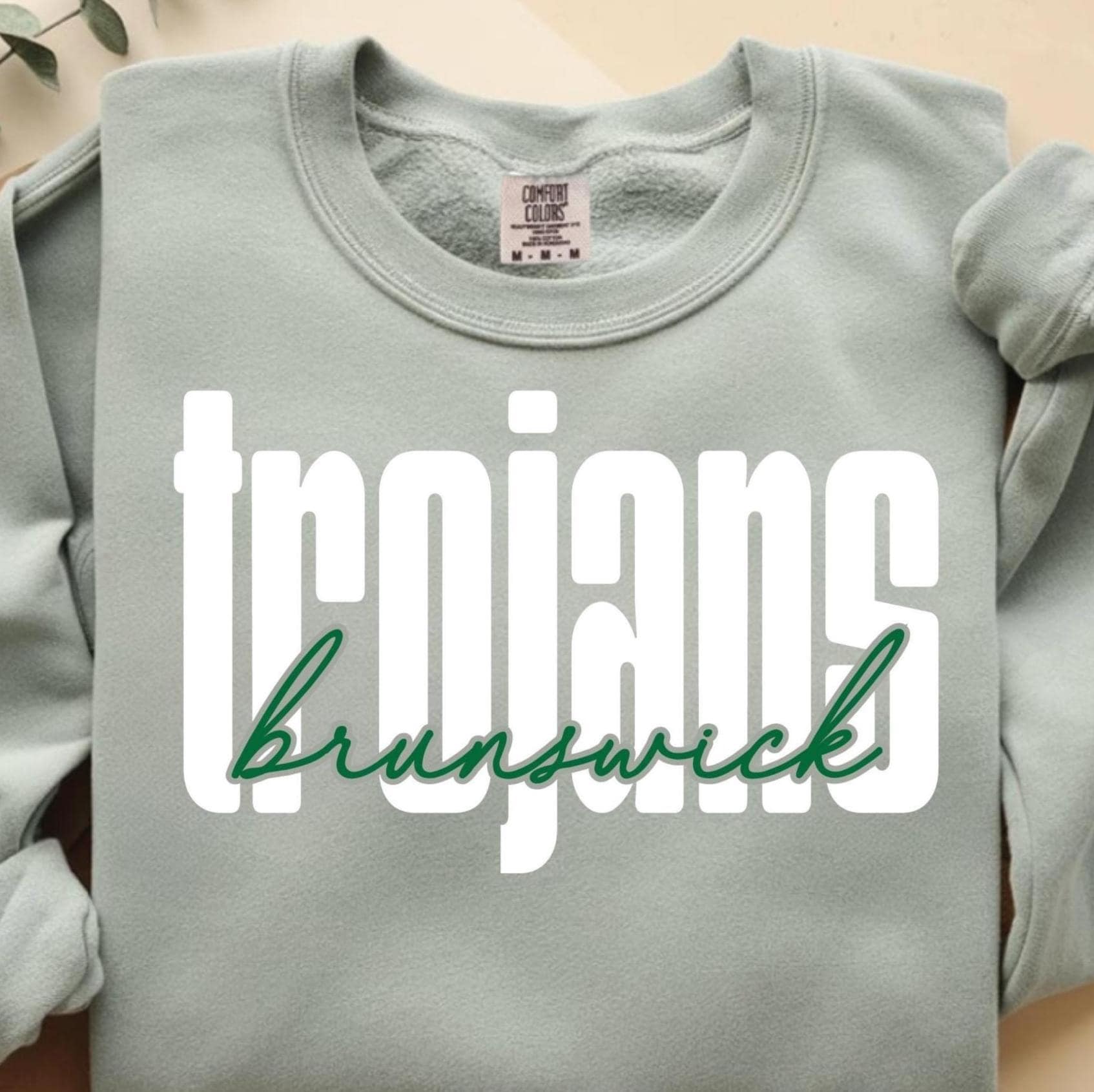
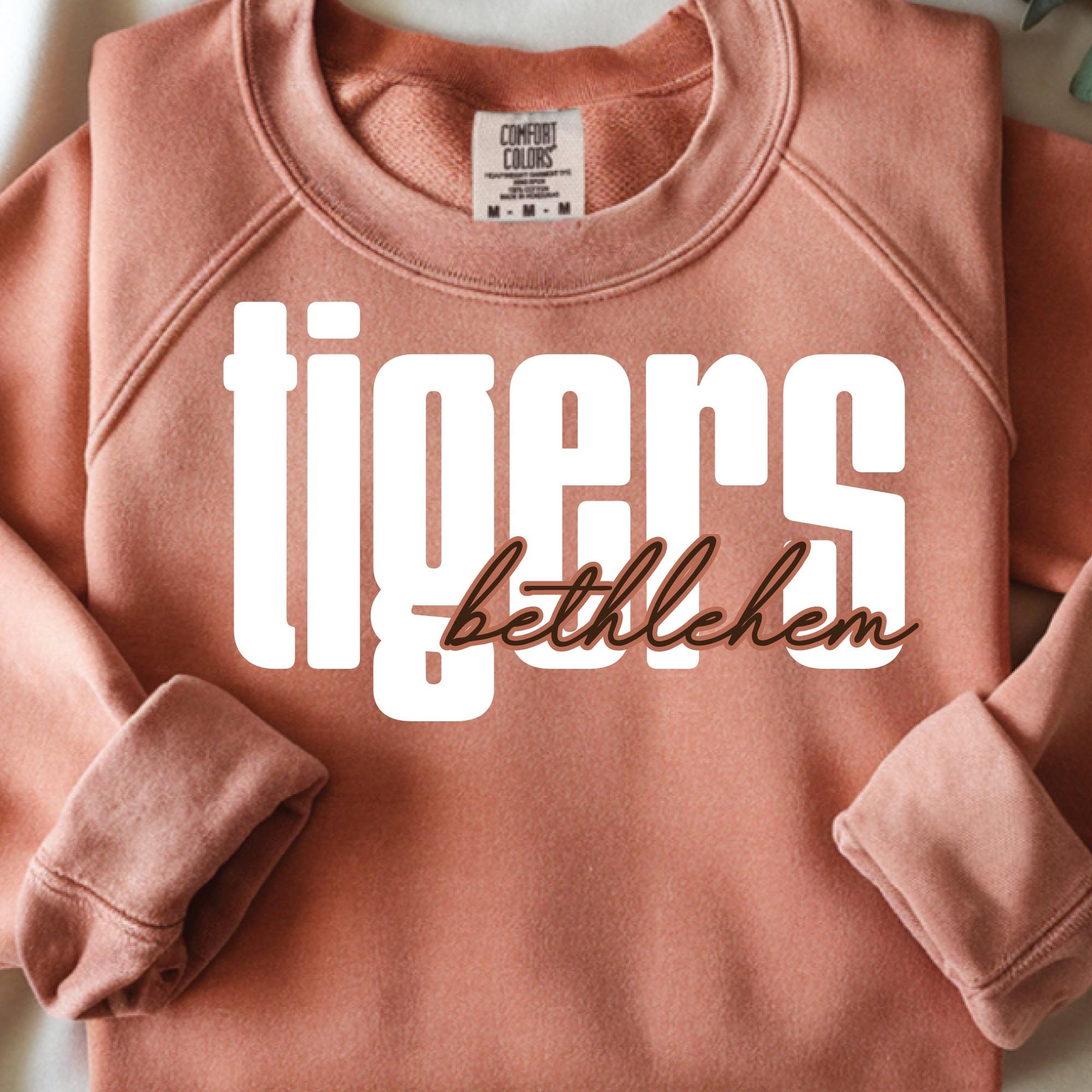
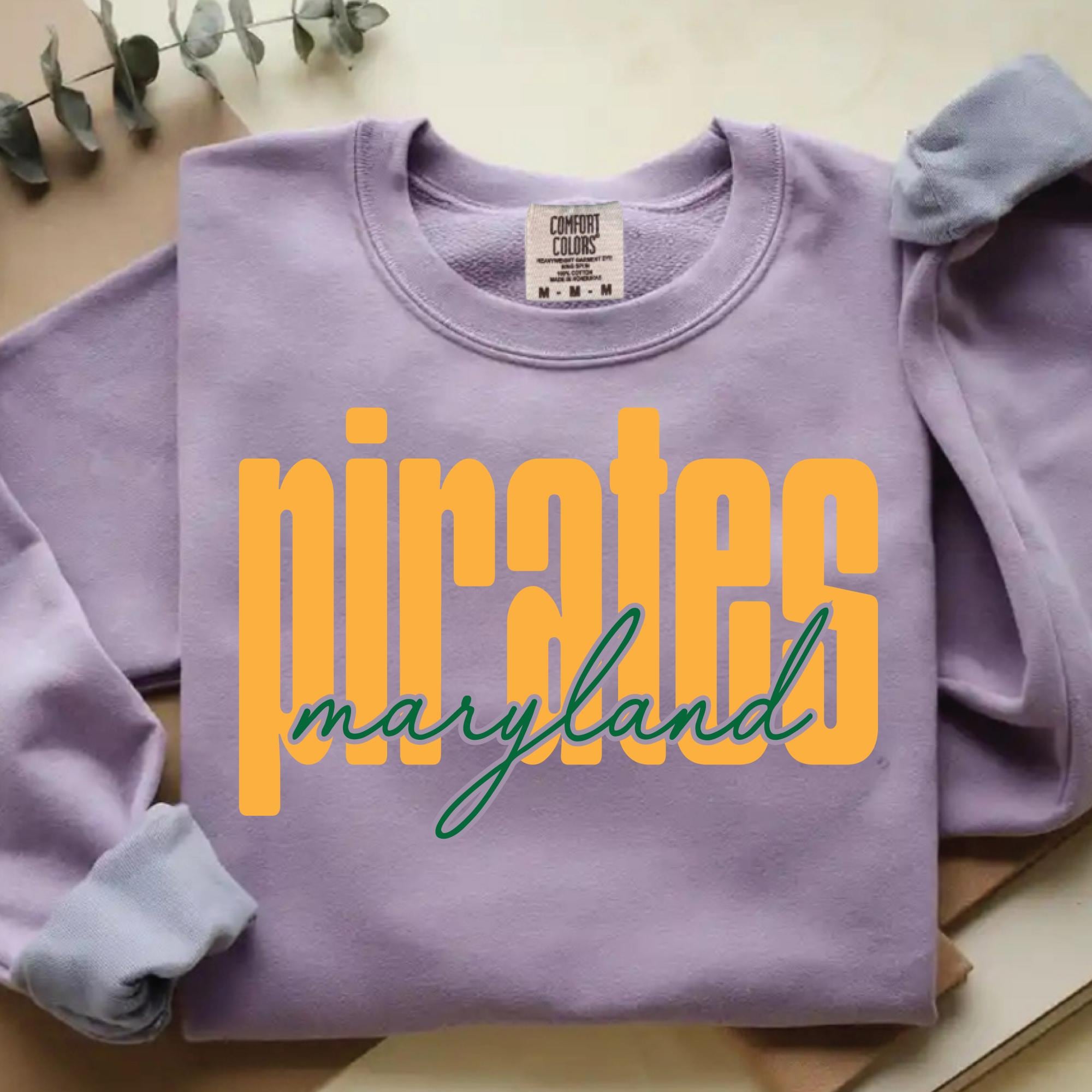
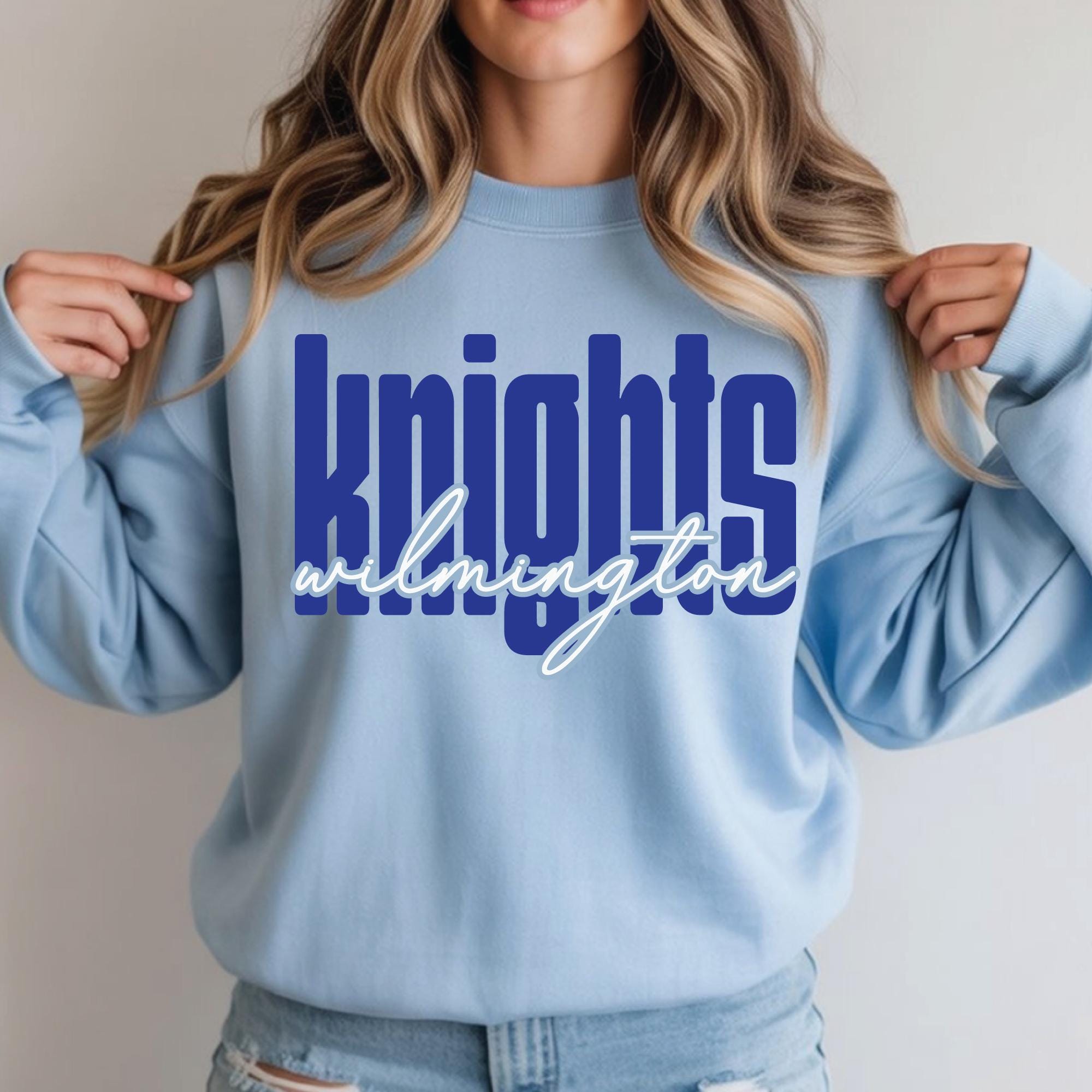
Customize this graphic with your own TEAM NAME and CITY.
How it works:
Upon purchase, I will reply within 24 hours (usually sooner) with a "proof" of your design files.
Upon approval, I will send 1 SVG version of your design to the email address you supplied upon purchase. I I have not heard your response within 24 hours for approving design, I will send the graphic and assume you approved the design.
Please convo me with any questions.
Christy, SVGArts
Please add the following to your order:
1. Team Name for Large Text, Hex Color
2. City Name for Script Text, Hex Color
3. Email address you want to receive your purchased file to.
Ex:
1. Trojan, FFFFFF (white)
2. brunswick, 0F7341 (dark green)
3. myemail [!at] yahoo.com
Tip: Get Hex Color Number at this website: https://htmlcolorcodes.com/color-picker/
Copyright Notice:
All rights to these images are reserved and belong exclusively to SVGArts. Please do not share images, all purchased graphics are for personal use only. If you need to use on a COMMERCIAL basis, please repurchase the listing for every 300 impressions you produce. Thank you for your honesty.
- Personal Use: use for your own projects, do not share or resell the files
Digital downloads
Your files will be available to download once payment is confirmed.
Returns & Exchanges
I gladly accept returns and exchanges
Just contact me within: 14 days of delivery
Ship items back to me within: 30 days of delivery
I don't accept cancellations
But please contact me if you have any problems with your order.
The following items can't be returned or exchanged
Because of the nature of these items, unless they arrive damaged or defective, I can't accept returns for:
- Custom or personalized orders
- Perishable products (like food or flowers)
- Digital downloads
- Intimate items (for health/hygiene reasons)
Frequently Asked Questions
How to import SVG in to Cricut Design space?
I have several customers inquire about the importing SVG files into their Cricut Design space. Here is some basic info to get you started.
Importing SVG Files in Cricut Design Space
1. Log in to Design Space.
2. Click the Create New Project button.
3. Click the Upload Image button.
4. Click the Vector Upload button.
5. Click the Browse button and locate your svg file that you want to import.
The image should now be viewable in your Design space.
Cricut provides lots of helpful details here: https://help.cricut.com/hc/en-us/articles/360009556313-Uploading-Images-into-Design-Space
Here is a great video link I have found very helpful:
https://m.youtube.com/watch?v=RgewC02OBQc